Browlia
Show her the new brows — before you touch the skin.
A live mirror designs the shape, technique and shade right on her face. One tap turns the approved look into a signed consent form.
Your image never leaves your device.
How it works
01
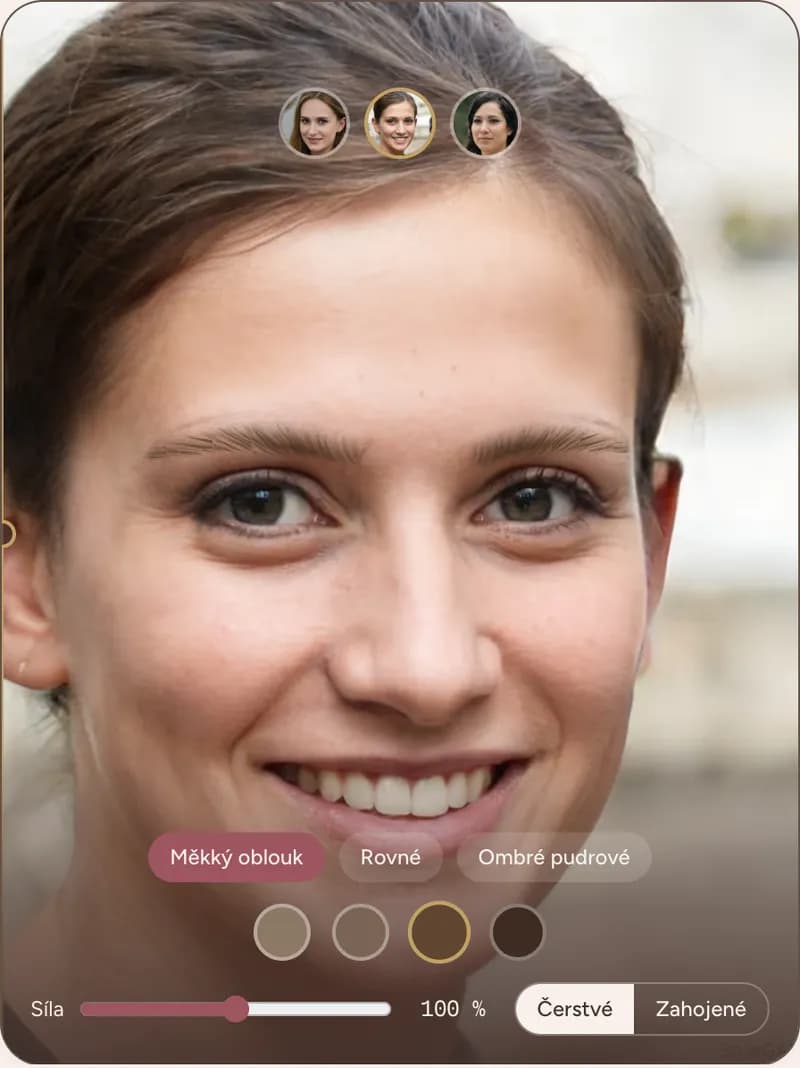
Capture
Your client looks into the tablet. One frame, no app to install.
02
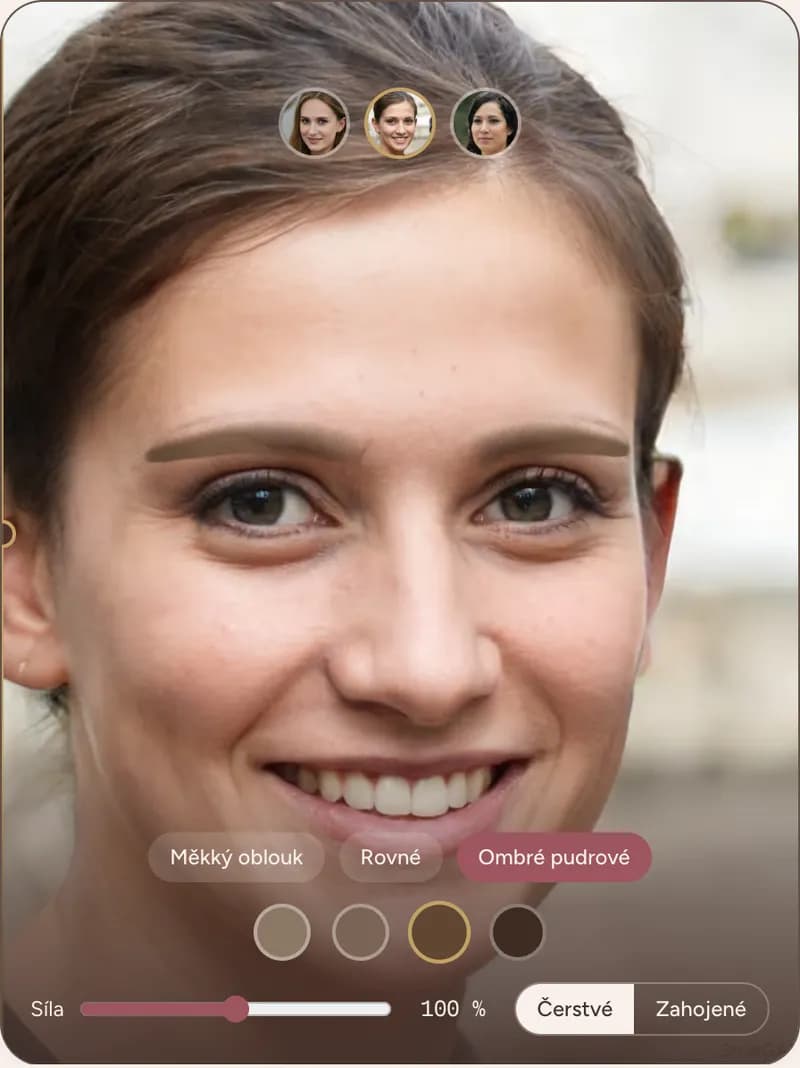
Design
Shape, technique, shade — all live on her face, including the healed result.
Approved brow design consent
ClientShapeShadeDateClient signature
03
Approve
She signs off on the look. You hold the consent PDF before the needle touches skin.
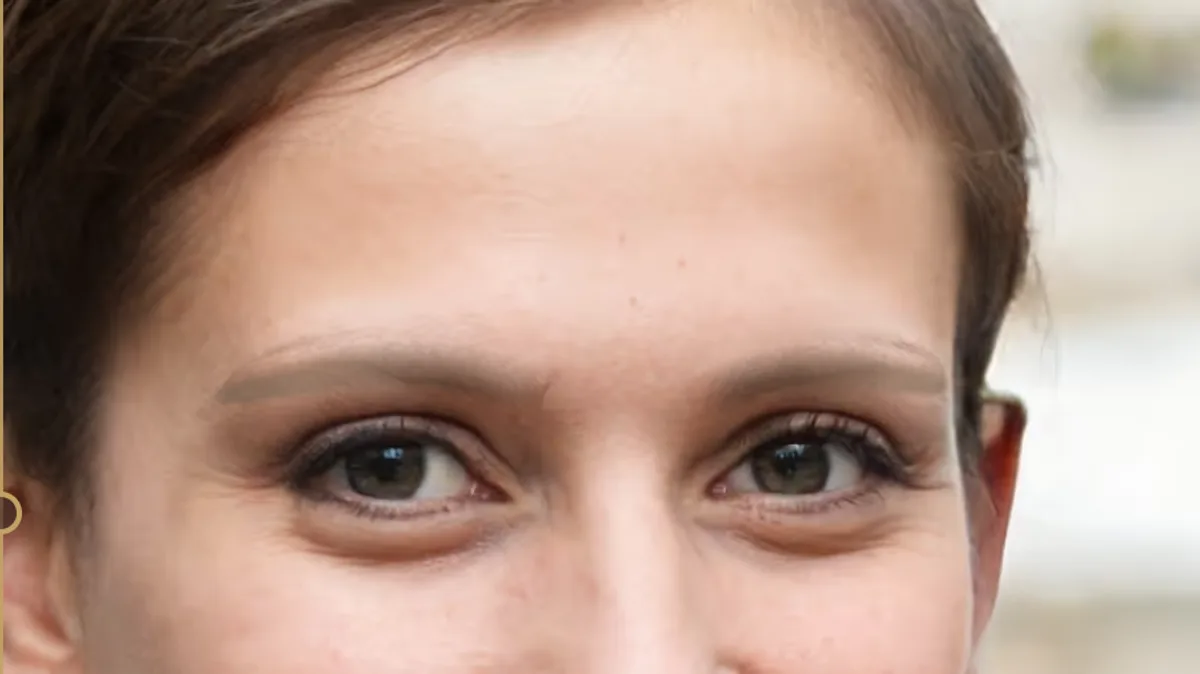
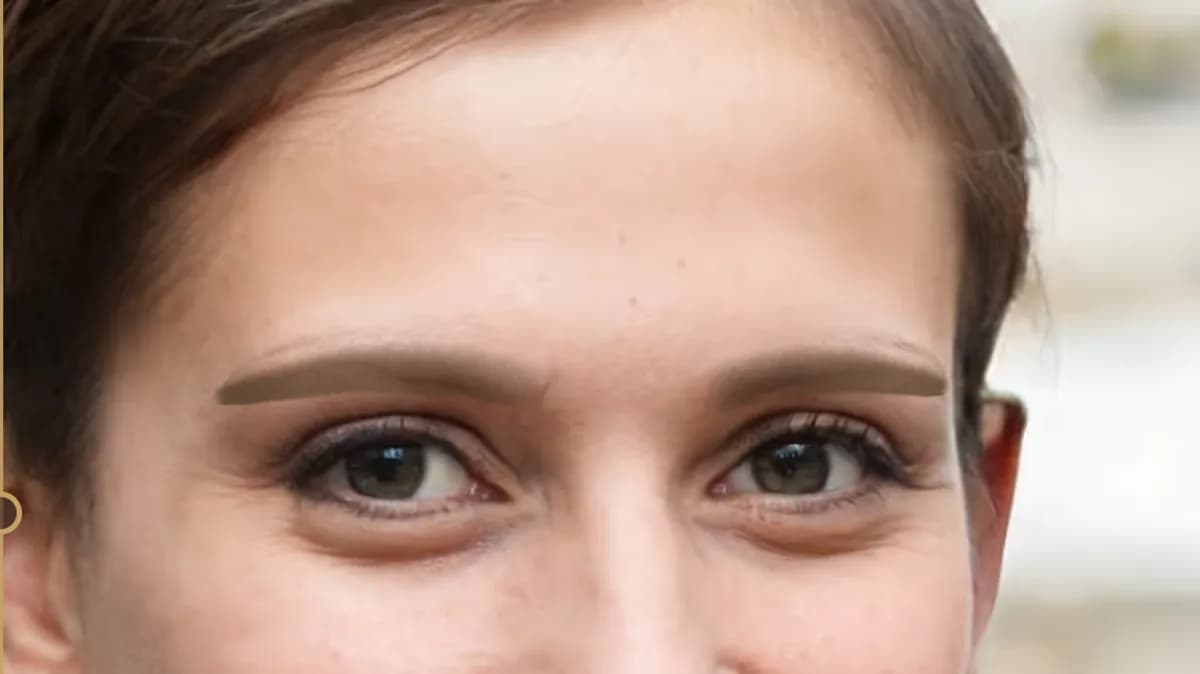
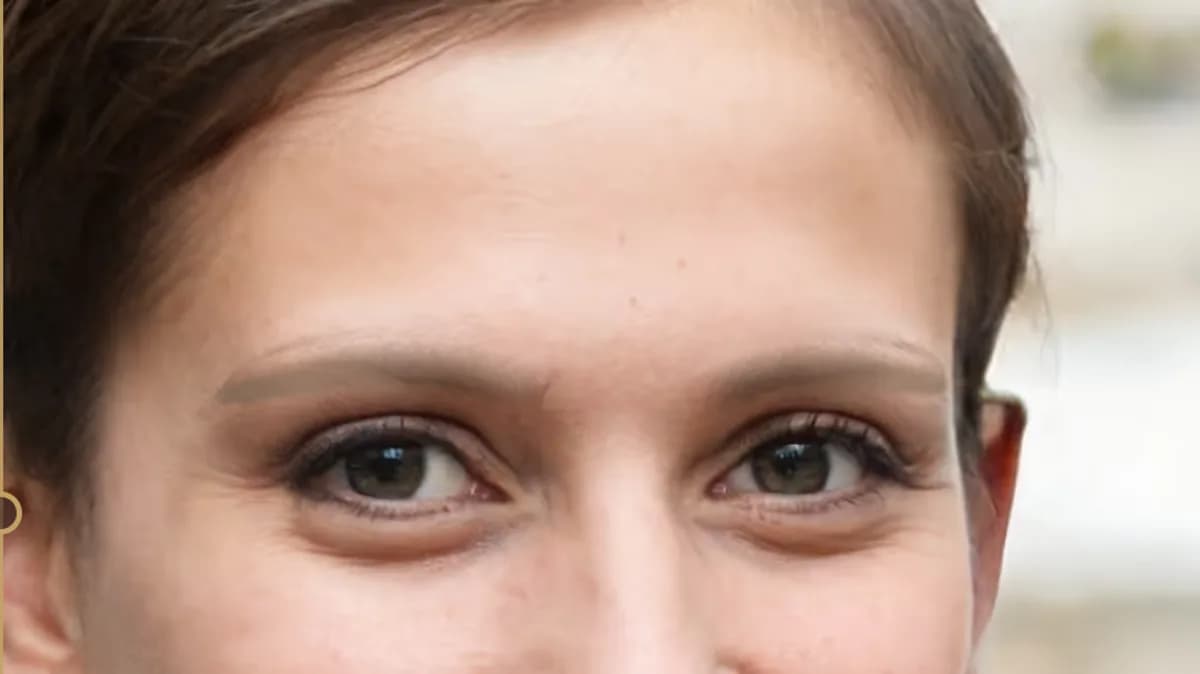
She'll also see how the brows lighten after healing.
Fresh PMU is darker and sharper; healed is about a third lighter and softer. Browlia shows both side by side — no surprises four weeks later.
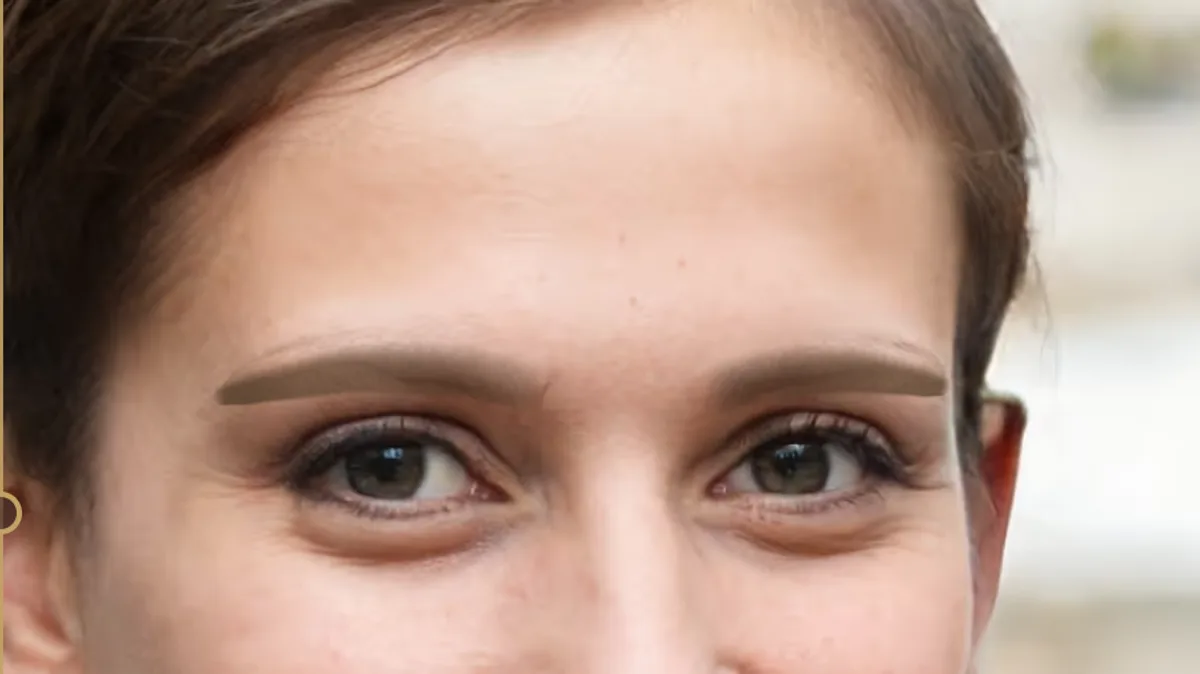 FreshHealed
Approved brow design consent
- Client
- ————
- Shape
- Soft arch · 100 %
- Shade
- Chestnut
- Date
- 24. 7. 2026 · 14:32
Client signature
Her signature on the approved shape. Peace of mind for both of you.
Every consultation produces a PDF: the before photo, the approved preview, shape and shade parameters, date and the client's signature. A professional document with your logo — and insurance if a dispute ever comes.
16 pigment shades. Golden-ratio mapping guides.
From ash blonde to black-brown, each shade in warm, cool and neutral undertones. Plus the mapping thread and millimetre readouts — this is a working instrument, not a filter.
Pricing
Solo
29€ / month
- 1 artist
- Unlimited clients and consultations
- Consents and exports with your logo
- Photos stay on your device
14 days free with all features, no card required. Trial exports carry a “Browlia demo” watermark.
Frequently asked
Does it work on my iPad?
Yes. Browlia runs right in the browser — Safari and Chrome, nothing to install. Add it to your home screen and use it like an app.
Where are client photos stored?
On your device. Face tracking and the preview run entirely in the browser and no frames are ever uploaded — biometric data stays with you, in line with GDPR.
Isn't this just another filter?
No. Browlia works with golden-ratio mapping guides, millimetre readouts, a healed-result preview and signed consent. It's a consultation instrument, not a selfie effect.
Can my client try it at home?
Not yet — the mirror is a tool for your consultation. A “try your brows before booking” link for your Instagram bio is on the roadmap.